Usage and budget
The Week chip in the header opens Usage.
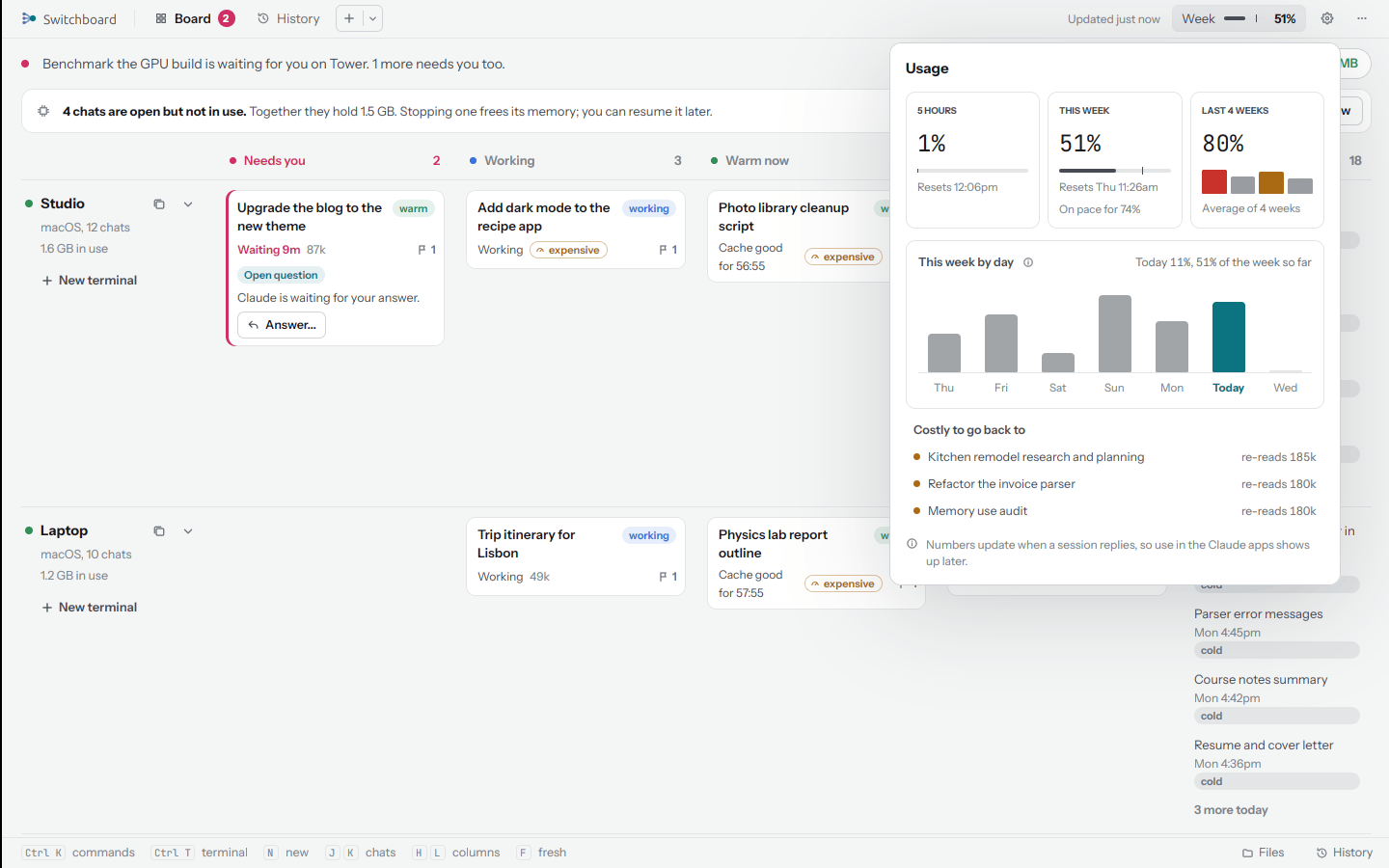
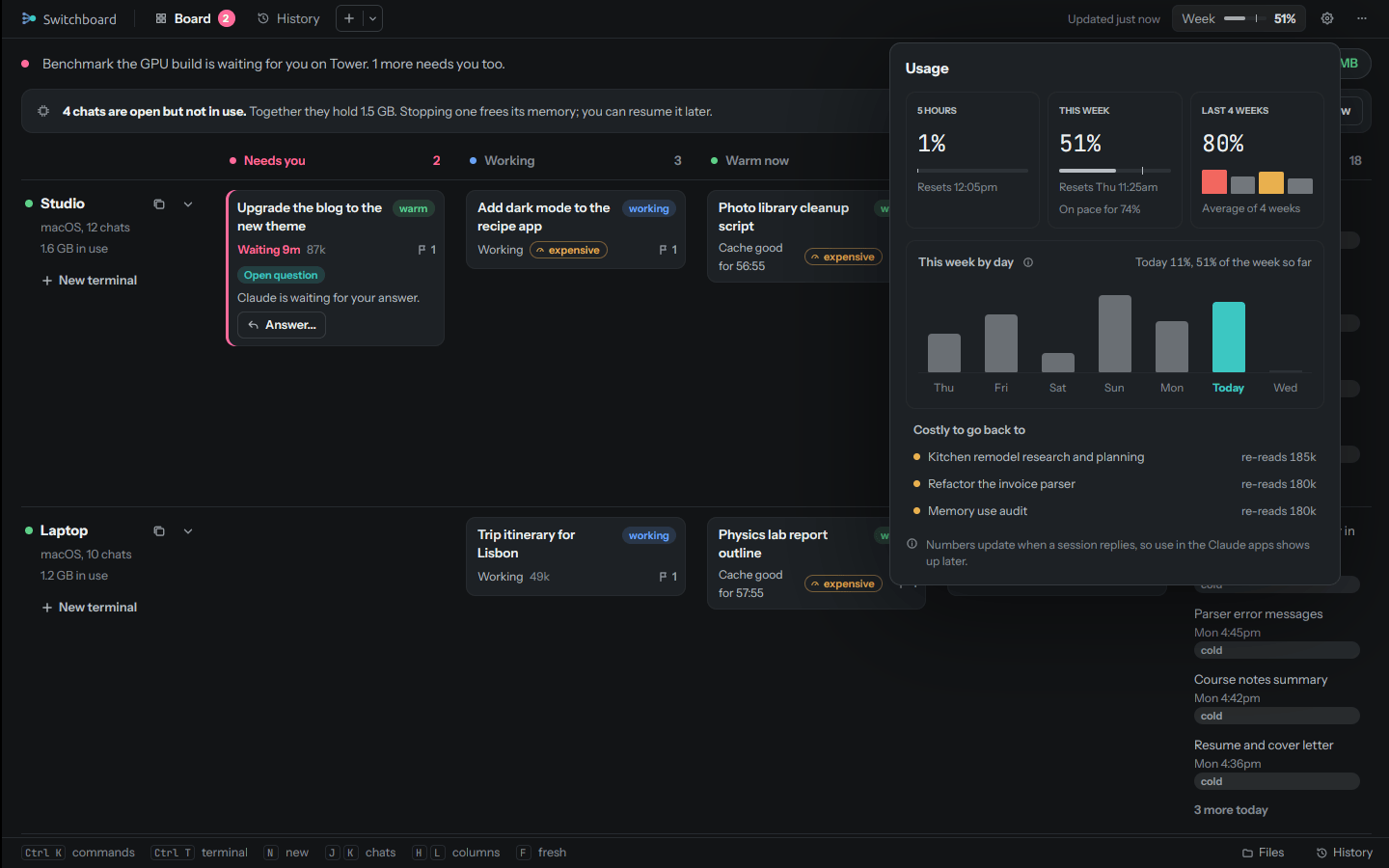
| 5 hours | How much of the 5-hour window you've used, and when it resets |
| This week | How much of the week, when it resets, and where you'll end at this rate |
| Last 4 weeks | The average of how the last four weeks ended |
| This week by day | A bar for each day since the reset, today in color, against your daily budget |
| Costly to go back to | The biggest cold chats (150k tokens or more), with what they would re-read |
The numbers are your plan's own, as Claude Code reports them in its status line on each computer; the newest report from any computer wins. They move when a chat replies, so what you use in the Claude apps shows up a little later.
Daily budget
Settings, Budget sets how much of the week a day should use. The default, 14.3%, spreads the week evenly over seven days. When a day goes over it, Switchboard tells you, and each chat mentions it to you once.
Near the weekly reset, the budget gives way: a day may use whatever room is left divided by the days left, when that is more than the budget. So the last days of a week can use what earlier days saved. A 5-hour cap works the same way for the 5-hour window (off unless you set one).
Hard limit
Off unless you turn it on, in Settings, Budget, Hard limit, with a daily limit (20% to start) and an optional 5-hour limit (off until you set one). When a limit is reached:
- new messages in every chat are blocked, with a line that says why and how to lift it;
- running background chats are stopped, once a day. They can be resumed. Chats open in a terminal are left running, and their next message is blocked;
- your iPhone gets Hard limit hit, if notifications are set up.
Lift for today turns it off until midnight.