Bed in new brakes with clear, spoken instructions.
New pads and rotors need a bedding procedure: a series of controlled stops at set speeds and distances. Brake Bedding reads your speed from GPS and gives you one instruction at a time — on the screen, in your ears, and through vibration.
No network · No ads · No tracking
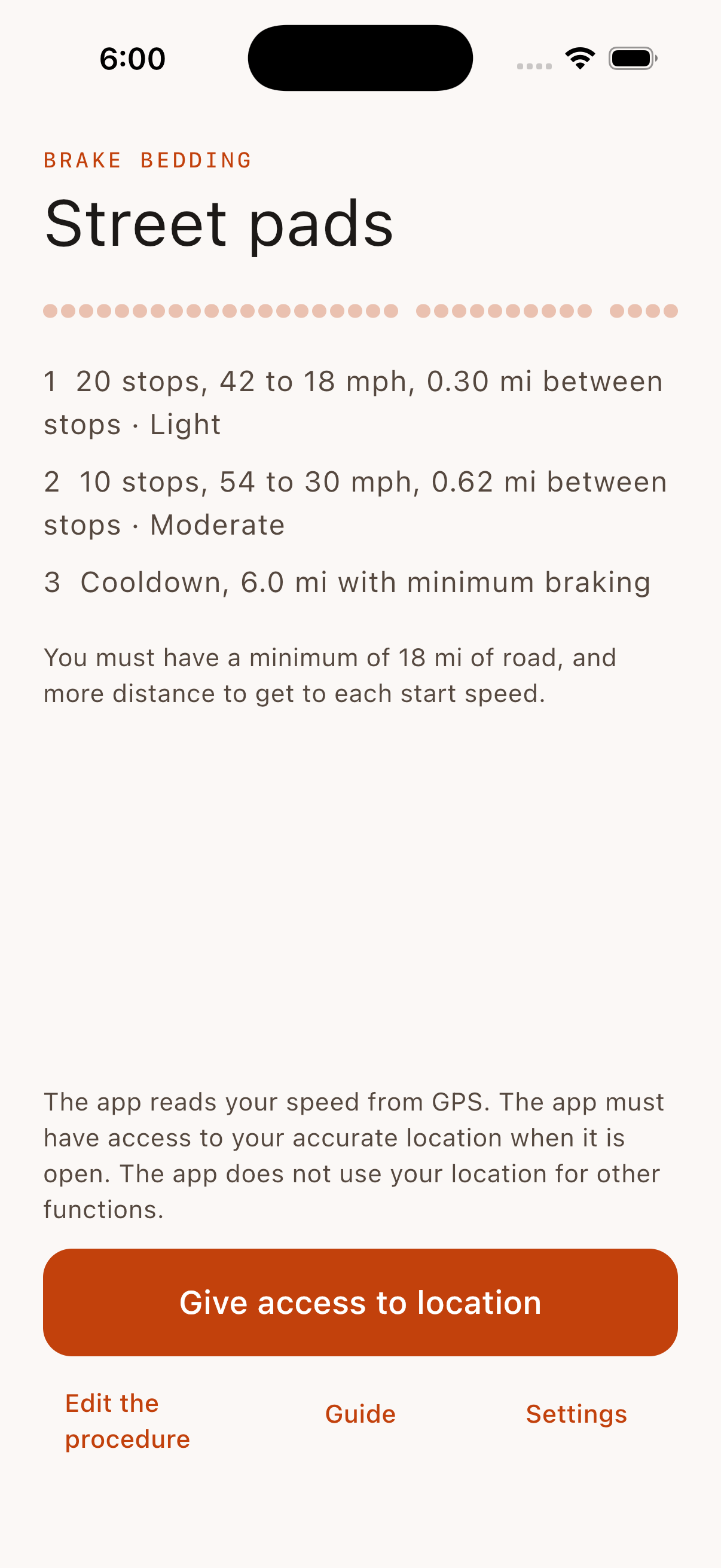
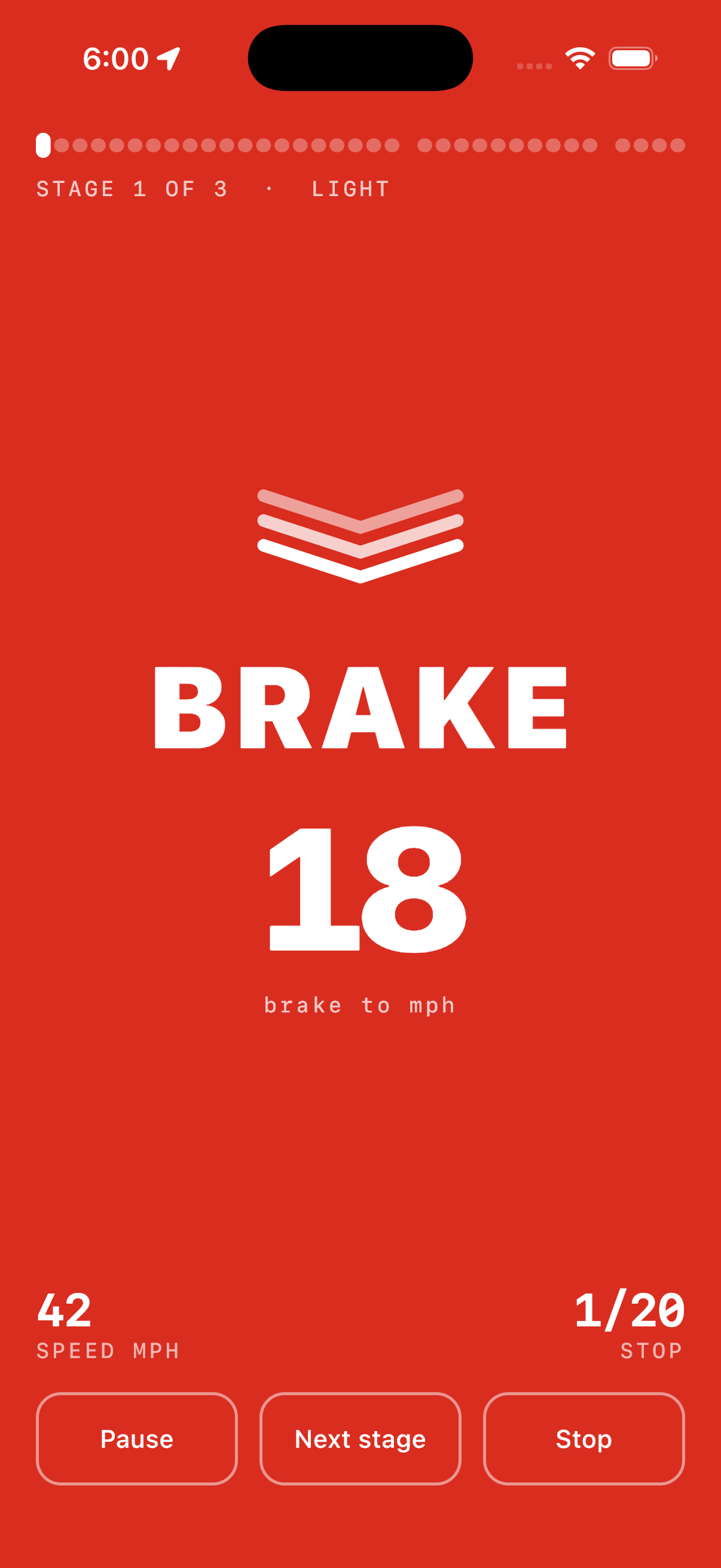
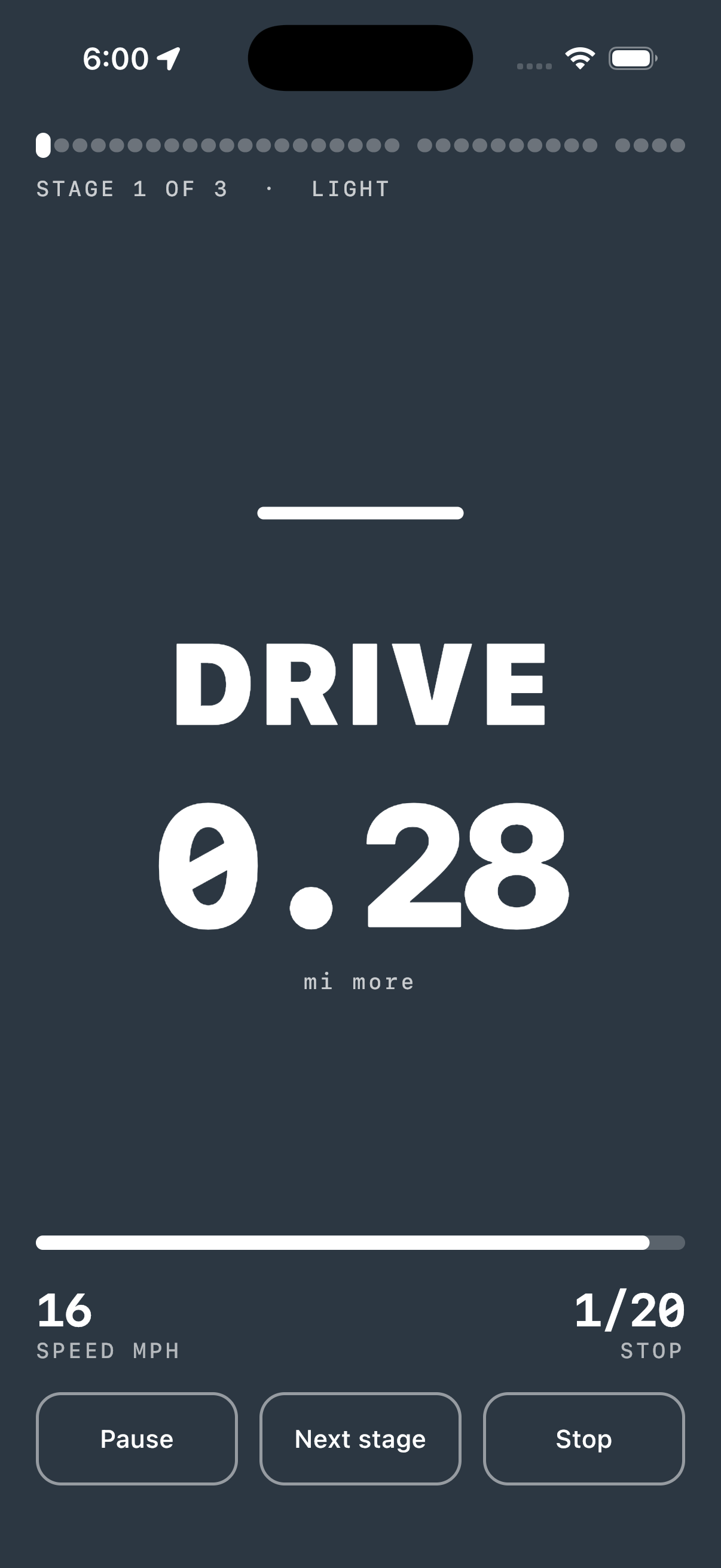
The full screen is the instruction.
No menus and no gauges during a run. One color, one command, one number. Each phase also has its own symbol, so you do not identify an instruction only by its color.
Made for the driver seat, not for the couch.
One instruction at a time
Each phase fills the screen with its own color and its own symbol. You can read it in a glance, from the edge of your vision.
Spoken cues
The app speaks each instruction, so your eyes stay on the road. Music becomes quieter for a cue, as for navigation.
Runs in the background
A call or a dark screen does not stop the run. On iOS, a Live Activity shows the instruction in the Dynamic Island. On Android, it stays in the notification.
Your procedure
Edit each stage: the stops, the speeds, the distances, and the brake force. Start from presets. Select mph or km/h.
Private by construction
The app has no network access. Your location becomes a speed on your device and goes no further. The source code is public.
One codebase, two platforms
The Android app and the iOS app come from one Kotlin Multiplatform codebase. The engine, the screens, and the texts are identical.
Do the procedure only on an empty and safe road, and obey all speed limits. The app is a guide: it cannot see the road, and the instructions from your pad manufacturer have priority. The full safety notes are in the app.